
Jun 29 admin
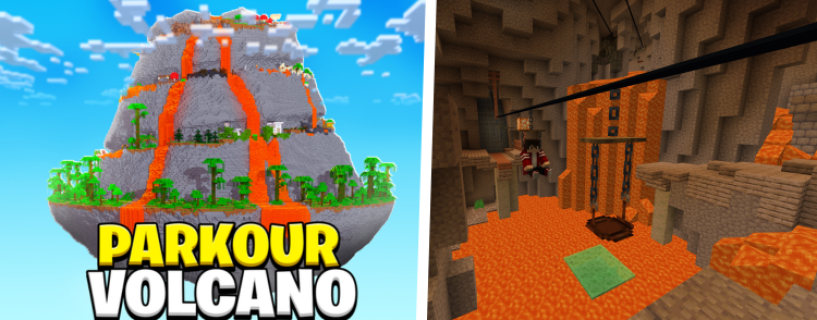
This is a quick tutorial on how to install the famous Parkour Volcano map that you may have seen popular YouTubers such as CaptainSparklez and many more play.
1. Download the Volcano Map
Version: 1.21.5
Click the Download button above to download the volcano parkour map.
2. Unzip
You may need to unzip the newly downloaded file. I prefer to drag and drop this zip file onto my desktop, then right-click on the zipped folder, and select Extract All.
3. Locating the Minecraft Folder
To locate your Minecraft folder, type %appdata% into your Windows search bar. Your .minecraft folder should then appear. Open it up and then open the saves folder.
4. Drag & Drop
The final step is to simply drag and drop the unzipped map folder into your Minecraft saves folder. Then you are ready to launch Minecraft in 1.21.5.


